
Mugshots can be located instantly through the Lucas County Sheriff’s online mugshot lookup, where a simple mugshot search returns booking photos, arrest photographs and key booking information such as the booking date and number. The portal pulls data directly from the Corrections Center at 1622 Spielbusch Avenue, ensuring that each arrest photo matches the inmate’s record. Users can also filter recent mugshots to focus on the most current booking photographs.
Mugshots displayed on public sites may contain mismatched images or duplicate entries, so verifying mugshot records against personal identifiers like name, booking number and arrest date is essential. If a picture is missing or has been expunged, the Lucas County Corrections Center updates the online archive, removing the arrest photograph in compliance with state restrictions. Understanding that an arrest does not equal guilt helps readers interpret the mugshot information responsibly.
How to Search Mugshots
Mugshots are booking photographs linked to jail intake records. A mugshot search through the Lucas County Sheriff’s Office can help readers find an inmate mugshot accessible through official jail mugshots records and booking photo, or arrest photograph with related details such as a booking date or booking number The service supports record checks; it does not decide guilt. Start with the official Corrections Center page, then compare each result with trusted identifiers before relying on it.
Official Search Portal: https://lucascountysheriff.org/corrections/corrections-center
Steps to Search
- Open the official Corrections Center page and choose the inmate lookup or mugshot search option presented there.
- Enter the person’s full legal name. Add a booking number or booking date if the lookup form provides a field for either one.
- Set a recent-booking filter if the lookup offers one and your search concerns current or recent booking photos.
- Open each likely result and compare the image, name, booking date, and booking number with the identifiers you received.
- Follow any official instructions shown for obtaining records. A commercial mugshot listing is not the same as a Lucas County booking record.
Lucas County Mugshot Record Details
An inmate mugshot is most useful when it stays connected to the correct record fields. A photograph by itself can lead to a wrong result, especially when several people have the same name or when one person has several bookings. A search should be treated as a match only after the name, date, number, and image point to the same intake event.
A mugshot search result is a current snapshot of the records shown by the lookup. Some fields may change after a booking, and a filter for recent records may leave older entries out of view. This means the absence of a photo in one result does not by itself prove that no booking record exists.
When the booking number and date match and the displayed name fits, the result has a much stronger factual basis. If any field conflicts, leave the result marked as unconfirmed until the Corrections Center resolves the conflict.
Verifying Mugshot Accuracy and Match
A public mugshot can be misidentified, copied under the wrong name, or separated from its original record. Verification works best as a set of checks rather than a single visual judgment. Use the booking number first when available, then compare the remaining fields before sharing, publishing, or acting on the result.
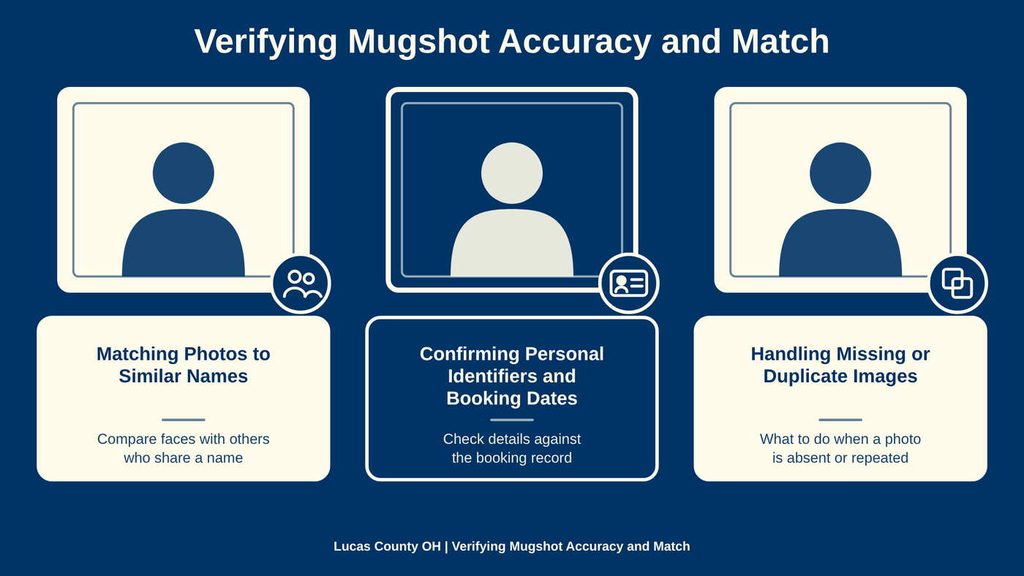
Matching Photos to Similar Names
Common surnames and shortened first names can place unrelated people in the same result set. A face alone is weak proof of identity, and a search result may place several records beside one another without stating that they belong to the same person. Search using the full legal name and then narrow the list with a booking date, booking number, or other trusted identifier.
Two booking photographs can look different because they were taken at different times or from different camera positions. Lighting, facial hair, clothing, and the length of time between arrest and capture can also change a person’s appearance. Those changes do not by themselves prove that the image is wrong. The booking number and date provide a firmer way to decide which photo belongs to which event.
If several results remain, compare each entry with the full name, date, and number before opening the image. Do not merge records only because the faces look alike. A result that lacks a matching identifier should remain marked as unconfirmed, even when the photograph appears correct at first glance.
Confirming Personal Identifiers and Booking Dates
Begin with identifiers stated by the source that supplied the request, such as the full legal name, booking date, and booking number. An alias, a spelling variation, or a date tied to a report rather than the booking can produce a misleading search. Use the labels shown by the lookup and avoid assuming that two differently formatted dates represent the same event.
A booking number has more value when paired with a date. One person can have several booking numbers for separate intake events, and one person can have more than one arrest photograph. A photo that resembles the person may belong to a different booking, so a name match alone cannot settle the issue. Copy the number exactly as shown and compare it with the date attached to the result.
Date of birth, a home address, or other personal details should be used only in a secure official form when the lookup requests them. Do not place sensitive details in a public post or an open message merely to prove that the search belongs to a particular person. A booking number, full name, and date can often narrow the search without adding private data.
Handling Missing or Duplicate Images
A missing image can have several causes. The booking photo may never have been posted, an older entry may sit outside the selected filter, or a record update may have removed or replaced the link. A court order, seal, expungement decision, agency retention rule, or other restriction can also affect public visibility. A failed image on a third-party site can also result from a broken link or an outdated copy.
Duplicate entries have several forms. The same source record may appear on several commercial pages, two sites may copy one another, or one person may have separate bookings with different dates and numbers. Entries with the same name, date, number, and image are likely repeated listings. Entries with different booking numbers can represent separate events and should not be joined together.
Use the official lookup as the comparison point, then check the booking date and number. If the official record and a commercial page disagree, do not treat either page as settled proof. Ask the booking office listed at the end of this page whether the source record exists, whether the image is withheld, and whether the date or number contains a typographical error. Keep a short record of the pages checked, dates visited, and identifiers used.
Public Records Law and Restricted Booking Records
Ohio Revised Code Chapter 149 sets the basic rules for public records held by Ohio public offices. A booking photograph held by a public office may fall within those rules, subject to statutory exceptions and court orders. Chapter 2951 covers criminal-record expungement, and ORC 149.352 protects certain qualifying law-enforcement investigatory records. Online mugshot availability can be narrower than the legal right to ask a record holder for a copy.
The status of a record depends on its source, purpose, and legal history. A photo may be visible online even though a later court order affects the underlying file. It may also be absent from a website while the record still exists and remains subject to a formal request process. The webpage alone cannot settle every restriction.
Expunged, Sealed, or Restrictive State Laws
Expungement, sealing, and investigatory-record protection are separate legal actions. Expungement is a court process under Ohio law for qualifying criminal records. A sealed record is limited by a court order with verified entries accessible via busted mugshots services An investigatory exception under ORC 149.352 can apply to certain records created or maintained for a law-enforcement investigation. Each situation calls for a different response.
Expungement does not automatically remove every online copy of a booking photograph. The agency must receive and process the order, and a private company may have stored its own copy before the change. Removal from a commercial page is a separate action handled under that publisher’s process.
For a restricted file, identify the agency, full name, booking date, booking number, case number if known, and the exact record needed. State the court order or legal basis for the request. This gives the records custodian enough detail to review the file without requesting private data that the search does not require.
Legal Notice: Arrest Does Not Establish Guilt
A mugshot documents a booking or arrest event. It does not prove that the person was charged, convicted, or found guilty of an offense. Arrest, charging, conviction, dismissal, and acquittal are separate legal events. The court docket, not the booking photograph, is the proper source for the current status of a case.
A booking photo can remain online after a case ends, and a current online image may appear beside an old name or charge. Writers and publishers should check the court record for later case events and state the stage of the case as of a clear date. A recent booking date does not mean the underlying case is new, and it does not show the outcome.
Public availability does not remove privacy or identification concerns. A name and image can be paired with the wrong person, and a person may have several cases with different outcomes. Any published account should name the source, give the date checked, provide the booking number when lawful to publish it, and state whether the person was charged, convicted, acquitted, or unresolved. Do not describe someone as convicted unless an official court record supports that claim.
Mugshot Removal and Record Changes
Changes to a mugshot record can follow a court order, an agency correction, a retention decision, or a technical update. The Lucas County Corrections Center is the proper source for resolving a current Lucas County booking question. A commercial page can lag behind the source or preserve an image after the source has changed.
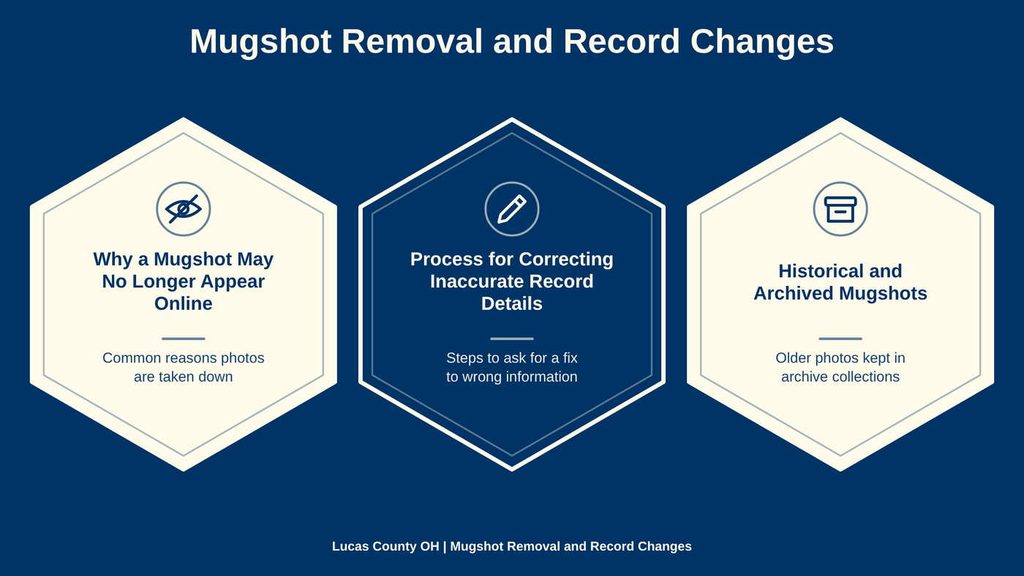
Why a Mugshot May No Longer Appear Online
The public Corrections Center page does not state a fixed posting time or retention period for booking photos. A record may appear after the intake process, yet the exact delay cannot be determined from that page. Searches for recent mugshots or recent booking photos can also return a limited group that excludes older bookings, which can make a missing image look like a deleted record.
Other causes include a court-ordered seal, expungement, removal after a record request, or a correction made by the corrections staff. An image can disappear because its file was replaced, a search index became outdated, or a third-party site lost the connection to the official record. None of those technical causes carries the same legal meaning as a court-ordered removal.
Check the official lookup by full name, booking date, and booking number before drawing a conclusion. If the record cannot be found, use the booking inquiry contact listed at the end of this page and ask whether the booking exists, whether the image is withheld, and which date range the search covers. A vanished third-party photo does not prove that the official record was erased.
Process for Correcting Inaccurate Record Details
Correction requests can cover a swapped photo, a misspelled name, a wrong booking date, a wrong booking number, or an image that has grown outdated. A clear photo does not correct a bad record number, and an accurate number does not fix a photo belonging to another person. Each fault should be described in its own terms.
- Compare the disputed result with the most reliable name, date, and booking number available.
- Record the exact error, the page address, and the date on which the problem appeared.
- Send the correction request to the official records holder. Use the booking inquiry contact listed at the end of this page when the issue concerns a Lucas County booking.
- State plainly whether the problem concerns the photograph, name, date, booking number, or another displayed field.
- Provide supporting proof through the receiving office’s approved method. Send only the private records needed to review the claim.
- Ask for a correction, a replacement image, or a written explanation of the record status. Keep a copy of the request and response.
- Handle a commercial page separately through its correction process. Proof from the official source may support that request, but the commercial publisher makes its own decision.
A request about legal record status should cite the court order that controls the issue. The corrections office can correct or explain its booking record, but the court controls charges, convictions, dismissals, and acquittals. Keeping those two record types separate prevents a photo correction from being mistaken for a change in the case outcome.
Historical and Archived Mugshots
The live lookup may focus on current or recent entries, so an older booking may require a request to the record holder. The Corrections Center page does not publish a historical-search procedure or copy charge. For an older record, ask the office to search by the booking number, booking date, and full name, then ask how retained records are released. If a certified copy is needed for a legal or official purpose, request the agency’s procedure and current fee before ordering.
An archived webpage can preserve a booking photograph after the source page changes. Web archives and cached commercial pages may show what a page displayed on the capture date, yet they cannot prove that the person remains in custody or that the case remains open. Captured pages may lack the name, date, or booking number needed for a sound match.
Check the archive date, original source, surrounding page text, and every identifier shown before using an archived image. Search results can keep an old page visible long after the official record has changed. For a current case, rely on the official lookup and court records; use an archive for historical context rather than current status.
Contact Details
Use the office that matches your request to avoid delays or misdirected inquiries. The listed hours apply only to the two named offices and may differ from other county departments. Check the relevant office’s contact details before visiting. Office schedules may change during holidays or special closures. Contact the office directly to confirm its current availability and any appointment requirements.
Frequently Asked Questions
People look for mugshots to verify a recent arrest, check booking details, or find inmate information. The Lucas County Sheriff’s online tools let you view booking photos, arrest photographs, and related data such as booking date or number. Access is free, fast, and helps families, attorneys, and investigators confirm identities without guessing.
How can I find a recent mugshot in Lucas County?
Visit the Lucas County Corrections Center website. Locate the “Mugshot Search” link, enter the person’s name or booking number, and click submit. Results show the booking photo, arrest date, and charge summary. Verify the image by matching the name and booking date shown on the page.
Where do I see booking photos for an inmate?
After the search, click the inmate’s name. A page opens with the mugshot, booking date, and a list of charges. You can also view the booking number, which helps cross‑check with court records. The site updates daily, so new photos appear quickly.
Can I search mugshots using only a booking number?
Yes. Choose the “Search by Booking Number” option on the portal. Type the exact number and press enter. The system returns the specific arrest photograph and related details, eliminating name‑based confusion.
What information is included with a mugshot lookup?
Each record shows the photograph, booking date, booking number, charge list, and release status. Some entries also list the inmate’s housing unit. This data helps you understand the case timeline and whether the person remains in custody.
How do I contact the Corrections Center for mugshot help?
Call the booking information line at 419‑213‑4962 during business hours. Explain the name or booking number you are searching for. Staff can confirm if the record exists and point you to the correct online page.